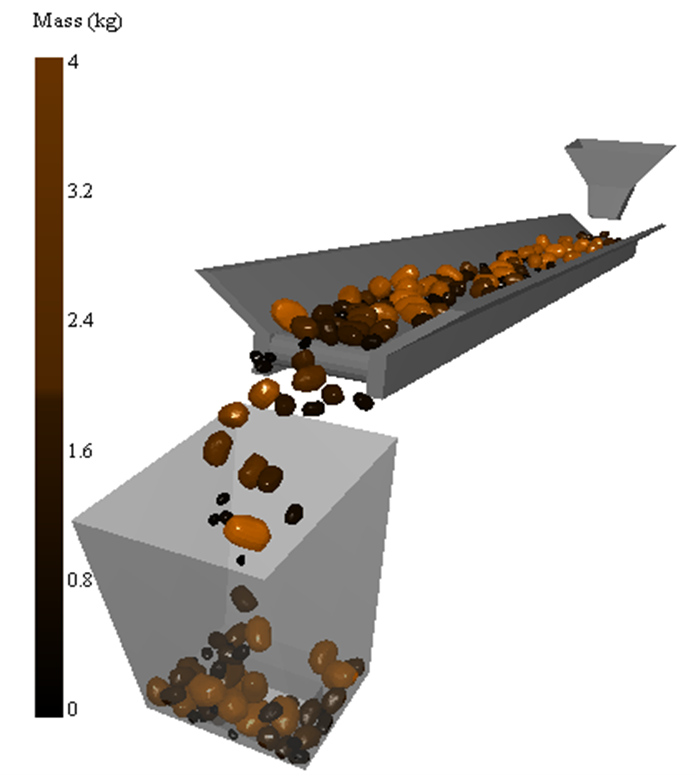
This introductory tutorial covers the basics of EDEM and
shows how to set up, run, and analyze a simulation.
Objective
The objective of the Conveyor tutorial is to:
Create materials for Particles and Geometry.
Create Particles with a User Defined Size distribution.
Create a Multi-Sphere Particle Prototype. Multi-sphere particle shapes are
defined using particle CAD templates, which can be imported to EDEM and manually filled with spherical
particles.
Use Conveyor Kinematics, which provides movement and acceleration of the
conveyor belt.
Create bin groups in the Analyst to analyze particles and their properties
in specified regions.
Export the simulation data to a .csv (text) file.
The model used here is a conveyor belt that transports material to a hopper.
Important: You must download the simulation files
before starting the tutorial. To download the simulation files for this tutorial,
see Download
Simulation Files.