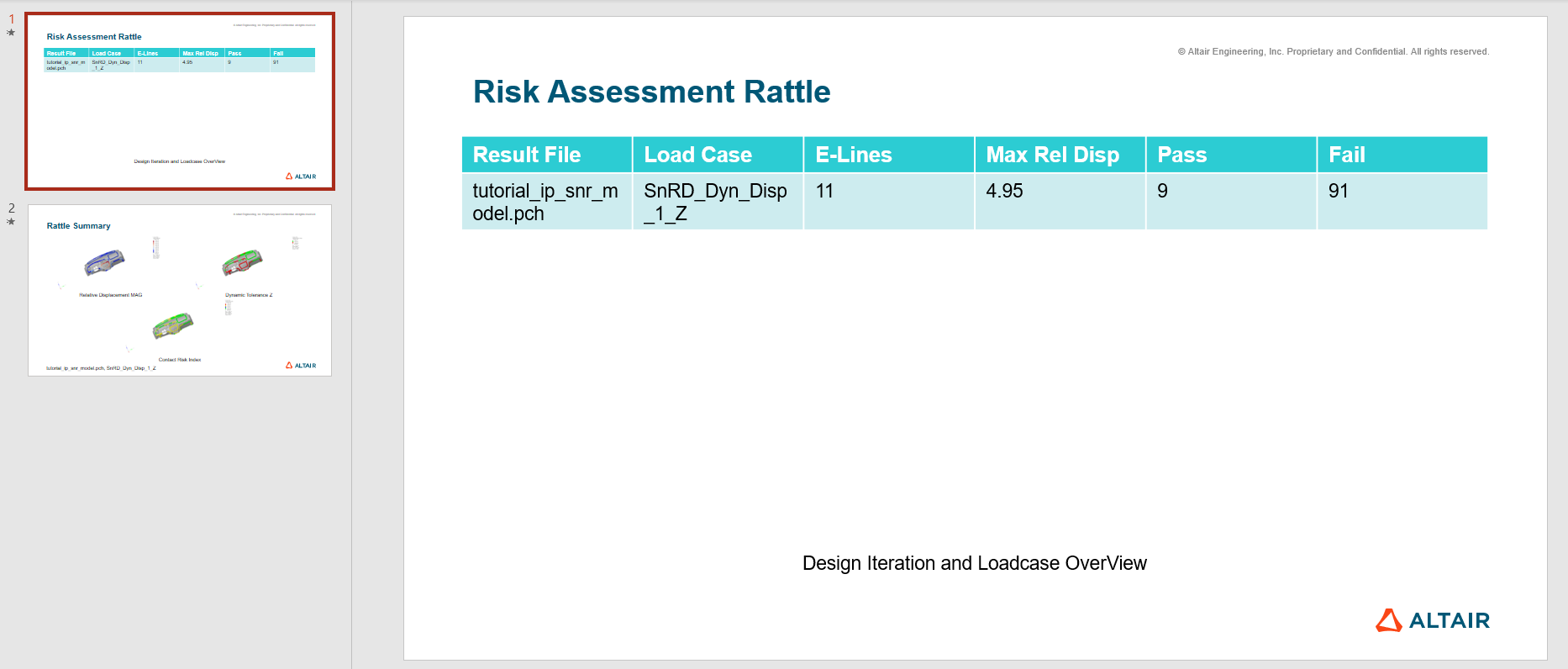
Generate Report
Generate all results of interest in risk assessment.
Tip: You can modify the PowerPoint template for the report to reflect your
company template. You can find the template here: [InstallationDirectory]
\hwdesktop\mv\scripts\tcl\snr\pre\config\Master_PPT_RiskAssessment.pptx.
-
From the SnRPost ribbon, Analyze
group, select the Report tool.
Figure 1. 
The Risk Assessment Report dialog opens. -
Enter a name for the report and select which results to include.
Figure 2. 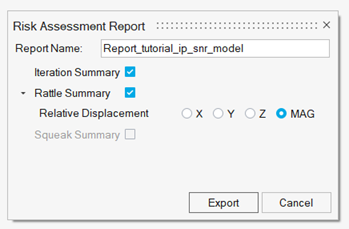
- Click Export and select location to save the report.
-
Review the report.
Figure 3.