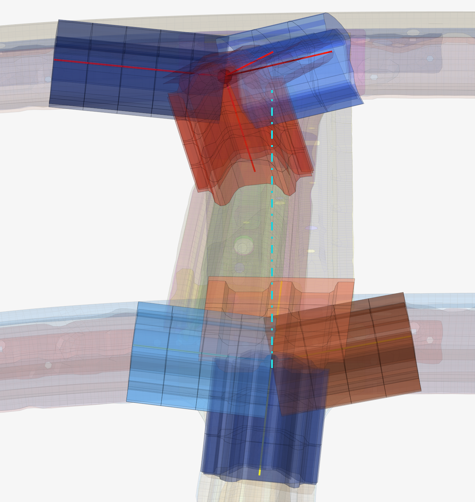
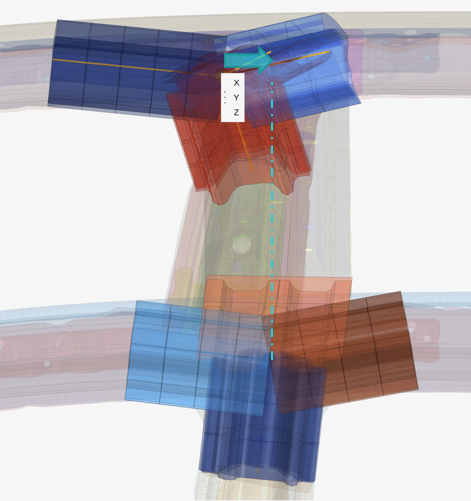
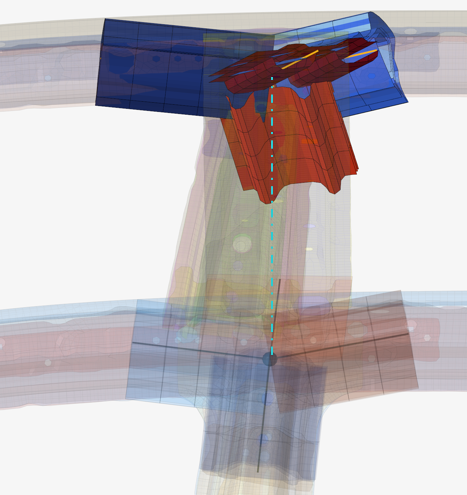
Create and Edit Joint Legs
Use the Joint Legs tool to add, delete, and move joint leg ends around the face of a bounding box.
-
From the Skeleton ribbon, click the Joint Legs
tool.
図 1. 
- Select a joint hub to edit.
-
Do one of the following:
- Click
 to add a new joint leg.
 - Select a joint leg then click
 to
delete it.
to
delete it. - Select a joint leg and click
 to reposition it along the bounding box's face.
 - Click
 to align two opposite joints
図 2. 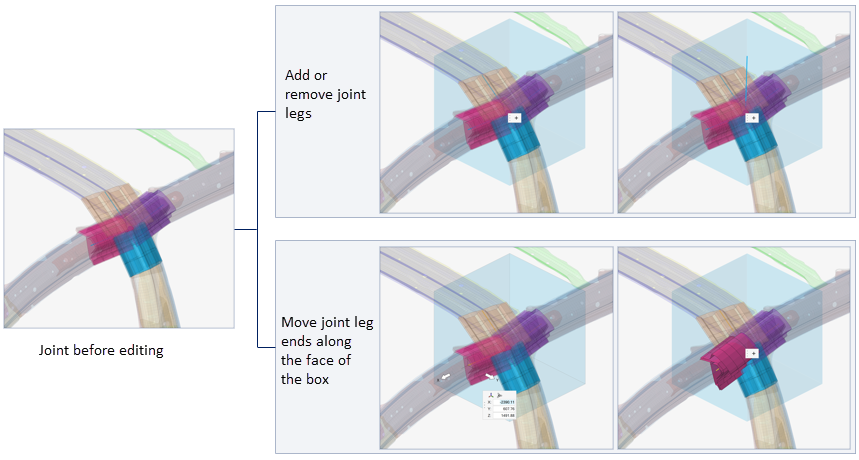
- Click
-
ガイドバーで、下記のオプションのいずれか1つをクリックします:
 - 適用し、ツールを開いたままにする
 - 適用し、ツールを閉じる
 – 適用せずにツールを終了する
Align Joints
Use the Align tool to align joints to an anchor.
-
From the Skeleton ribbon, Joint Legs tool group, click the
Align tool.
図 3. 
- Select the anchor joint – the joint that will not move.
-
Select the joints you want to move.
The joint composition is not altered during alignment.
- Select a global direction.
-
ガイドバーで、下記のオプションのいずれか1つをクリックします:
- - 適用し、ツールを開いたままにする
- - 適用し、ツールを閉じる
- – 適用せずにツールを終了する