
Absorb Members
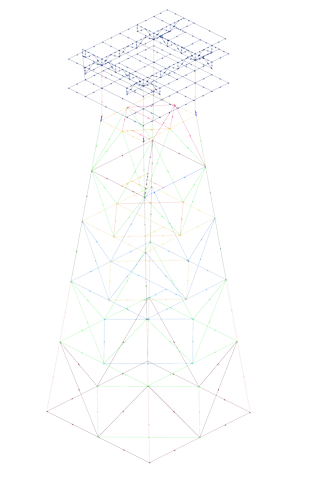
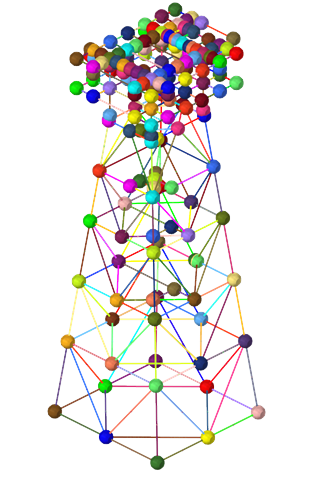
Use the Absorb tool to reverse engineer a skeleton model using lines or 1D elements as input.
-
From the Skeleton ribbon, click the Absorb tool.
図 1. 
- Select lines or elements.
-
Click
 to define options.
- Create joint legs
- Legs are created at each joint. The legs that are generated span 30% of the member size.
- Break angle (degrees)
- Max angular deviation that is considered a straight member.
- Group prefix
- Named prefix to use for each new member.
-
ガイドバーで、下記のオプションのいずれか1つをクリックします:
 - 適用し、ツールを開いたままにする
 - 適用し、ツールを閉じる
 – 適用せずにツールを終了する
 |
 |